




Pumpkin Jam — Halloween Music Maker and Memory Game
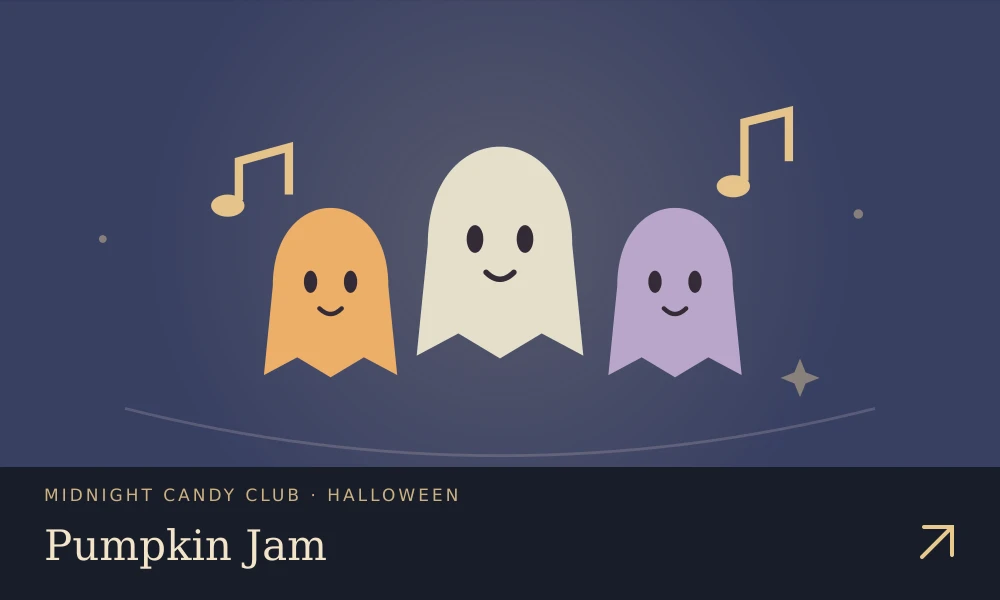
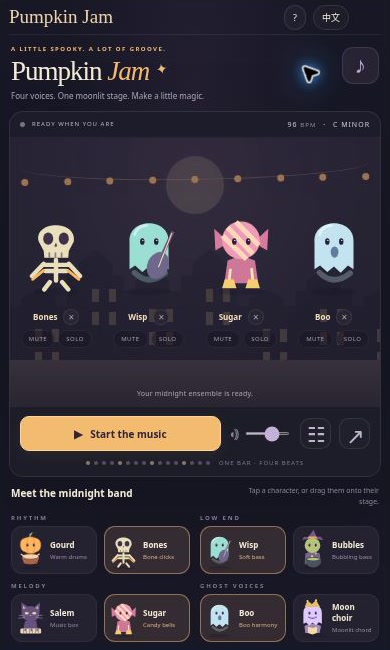
🎃 Give the pumpkin drummer a ghostly band. Pumpkin Jam is an original browser music maker with warm drums, bubbling bass, candy-bell melodies, and moonlit voices. Pick your performers, start the loop, and discover how four small parts change the whole night.
Play free online · All Halloween games
The game interface is available in English and Simplified Chinese.
What makes it special
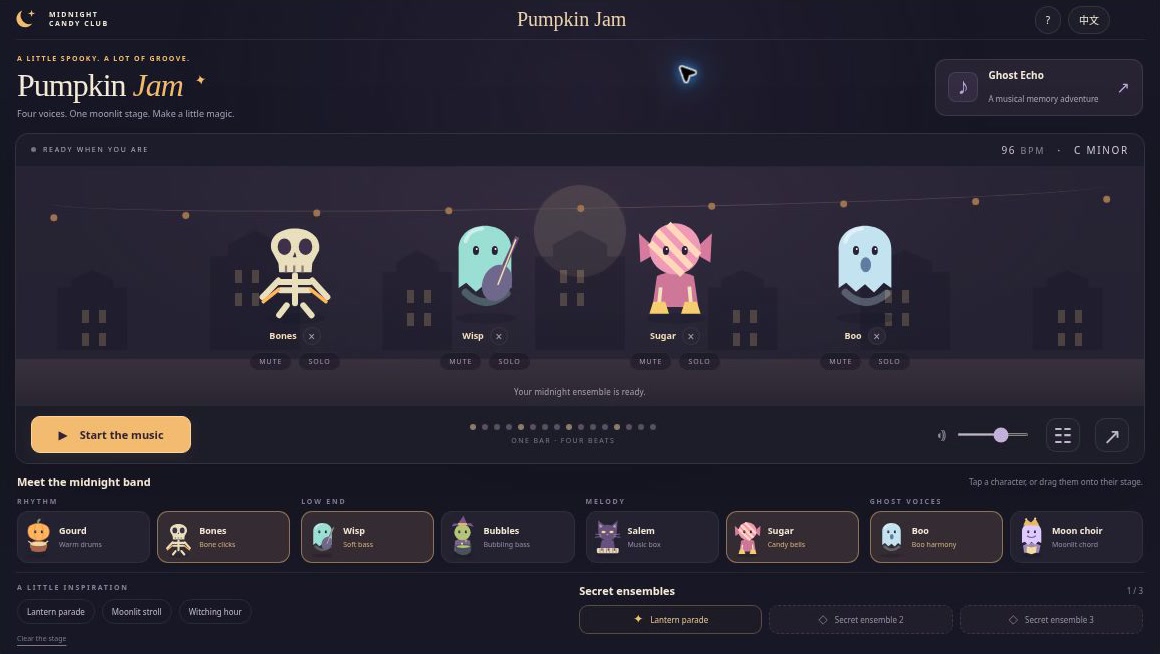
- Four musical roles—beat, bass, melody, and voice—with two original performers each.
- Three presets, three secret ensembles, and changes synchronized to the next bar.
- Mute, solo, remove, and master volume controls for exploring each part.
- Ghost Echo: five rounds of musical memory with four notes and no time pressure.
- Original SVG characters and Web Audio instruments, shareable mixes, and reduced-motion support.
How to play
Choose a character for each role, or select a preset. Press Start to hear the band; browsers need this interaction before audio begins. Tap a new character to replace that role. On desktop, you can also drag a character onto its matching stage. A bass performer cannot fill the melody role.
All parts share 96 BPM, C minor, and a 16-step bar. During playback, changes wait for the next bar boundary, so a queued performer may take a moment to join. Mute hides one part, Solo isolates it, and Remove clears its slot.
Try Ghost Echo
Press Listen, remember the characters’ notes, then repeat them in order using four pads. The five rounds grow from three notes to seven. A wrong note lets you listen and retry. Opening Echo pauses the band; leaving the page pauses playback and cancels the pending listening sequence. Press Start or Listen deliberately when you return.
Controls
| Action | Input |
|---|---|
| Choose a performer | Click / tap a card; desktop drag to the matching role |
| Play or pause | Playback button; Space outside controls and dialogs |
| Adjust parts | Performer Mute, Solo, and remove buttons |
| Change volume | Master volume slider |
| Repeat Echo notes | Four pads or 1–4, during your turn |
| Share an arrangement | Share, then copy the displayed link |
A little strategy
Begin with beat and bass, then add melody and voice one at a time. Use Solo to hear a part clearly, then restore the ensemble. Secret combinations are discovered while the complete matching band is playing audibly: unmute every role, turn Solo off, and let the next bar begin.
Progress and challenge links
Arrangements, mute settings, volume, language, discoveries, and Echo achievements are stored locally. Another browser has separate records. Storage being unavailable does not stop play.
An example mix link restores four performer choices and mute states. Solo is not included. The recipient presses Start to listen; a link neither uploads a recording nor starts sound automatically.
Screenshots and video
Video player and transcript · Download the MP4
The 24-second silent introduction combines actual screenshots and captions. It is a visual tour, not continuous gameplay footage or an audio demonstration.
Frequently asked questions
Is this a third-party Sprunki mod?
No. Pumpkin Jam has its own characters, artwork, synthesized instruments, patterns, and code. It belongs to the same Halloween site collection.
Why is there no sound?
Press Start, then check master volume, track mutes, device volume, and the browser’s sound permissions. Returning from a hidden page requires another Start or Listen action.
Can I record or export a song?
This version shares an arrangement link. It does not record microphones, export WAV files, or upload performances.
🎃 More moonlit adventures
New games · Explore Crazy3D · All Halloween games
Ready for one more little adventure? Play free online: Pumpkin Jam


